


5 Hidden Features in Windows 11 That Might Help You!
Date
2026-03-07
Views
499

It's been years since the Windows 11 got launch but some people didn't know yet about these features, check this out to know more about the features.
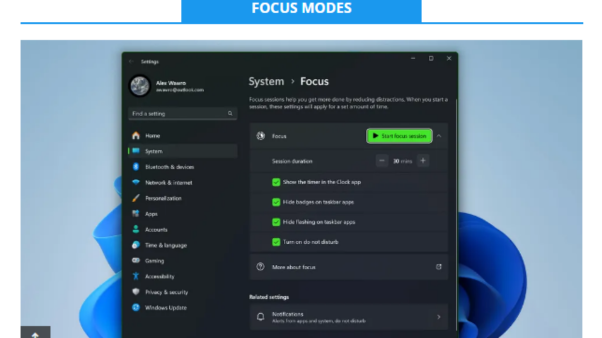
⬤ A built-in productivity timer based on the Pomodoro technique and allows you to set a work duration without distractions. Windows 11 automatically enables Do not Disturb, hide apps and prevent taskbar from flashing icons. To use this feature, just search in Start Menu "Focus"
👨💻 Shake to Minimize 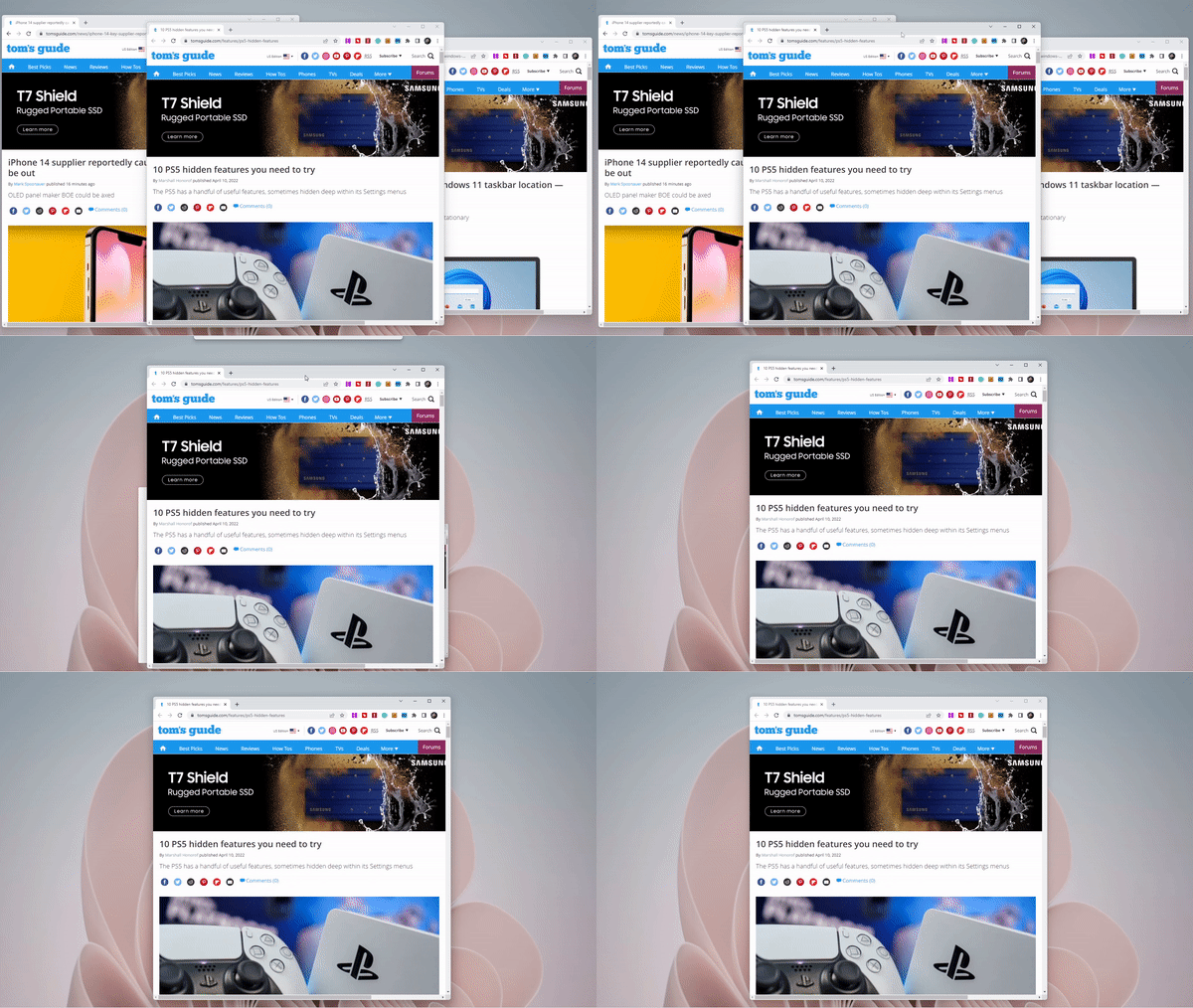
⬤ If you have dozens of windows open, you can click and hold the title bar of the window you want to keep and “shake” it your mouse, even the other open windows will instantly minimize. You can find this feature by going to Settings, find the System section, choose Multitasking and then toggle on "Title bar window shake".
🧾 Clipboard History
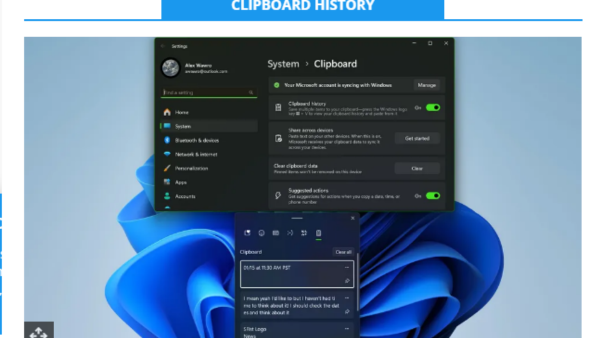
⬤ A tool that remembers multiple items you have copied, rather than just the last one. Windows 11 automatically remember the history of your clipboard. This feature allows you to easily find the list of your recent copied text and images. To access this feature, press Windows Key + V and it will open the clipboard manager.
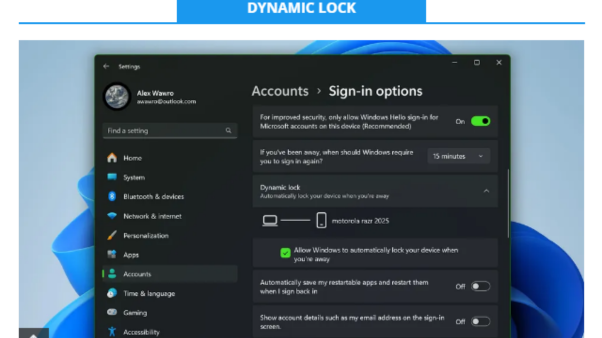
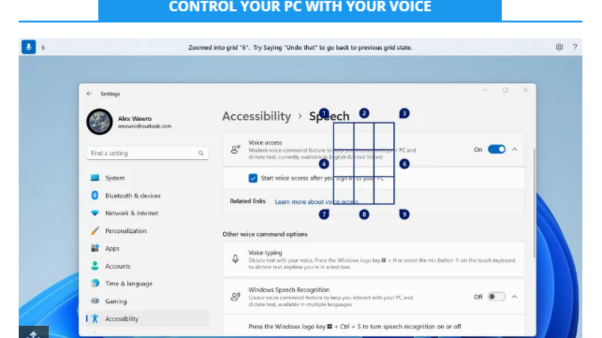
✨Now that you know about these features, go give it a try!
👉 https://www.youtube.com/watch?v=j8dcfEmDc8A
📞 Contact Information
For inquiries and further assistance, please reach us through the following channels:
📱 Mobile / Viber: 0917-822-1232 / 0917-822-3232
📧 Email: openpinoy_onlinesales@hotmail.com
🌐 Website:
👉 Website for B2B - WWW.OPENPINOY.NET
👉Website for Retail - WWW.OPENPINOY.COM
OPENPINOY©️
🤝 We are pleased to assist you with your needs.