


How to use Microsoft 365 (Word, Excel, PowerPoint) for FREE Online!
Date
2026-01-12
Views
533

The video provides a comprehensive guide on how to use Microsoft 365 (Word, Excel, PowerPoint) for FREE Online! If you have internet connection. It provides a comprehensive guide on accessing Microsoft’s professional productivity suite without a paid subscription.
📌 Access and Setup
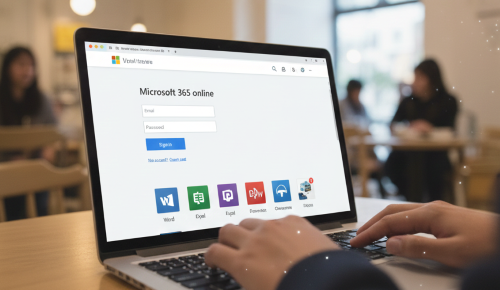
● Search and Entry: Users are instructed to search for "Microsoft 365 online" via Google and navigate to the official Microsoft landing page.
● Account Requirement: To use the services, you must sign up for a free Microsoft account or log in with an existing one.
● Connectivity: The entire suite operates within a web browser, meaning it is accessible from any location as long as there is an active internet connection.
📄 Application Features and Capabilities
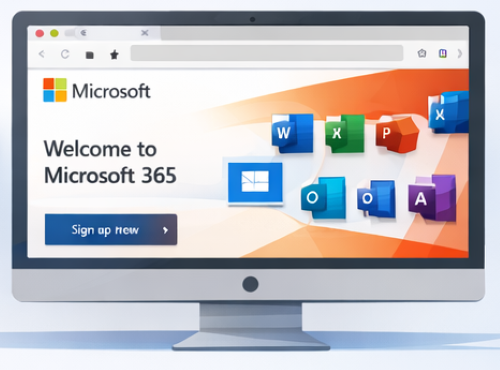
● Software Availability: The platform includes the core productivity trio: Microsoft Word, Excel, and PowerPoint, along with other integrated features.
● Interface Fidelity: The online applications are described as being nearly 100% identical in look and feel to the traditional installed software, ensuring that users do not need to relearn the tools.
● Free Storage: Every account is allocated 5 GB of free cloud storage.
●Cross-Platform Workflow: Users can create or edit a file online, save it to their cloud storage, and then download it to be used on a different computer that has the full Microsoft Office desktop software installed.
🧠 Practical Use Cases
● Freelancers and Students: The video specifically identifies students and freelancers as key beneficiaries, as it allows them to maintain a professional workflow without the expense of a subscription.
● Mobility: Because the files and software are cloud-based, users can manage their documents "wherever they go" without needing to carry a specific device.
🎯 Benefits Highlighted
✅ No
subscription fee — all core features are free
online.
✅ Works in any browser — across devices
(laptops, phones, tablets).
✅ Cloud saving & syncing
— via OneDrive.
✅ Easy collaboration — share
with others easily.
✅ Quick access anytime with an internet
connection.
📌Who It’s For?
● Students needing Word/Excel/PowerPoint for assignments and presentations.
● Users who don’t want to pay for Microsoft 365.
● Anyone needing to work on documents from different devices (home, school, work).
● People who want to share files easily for collaboration.
🎥 For the complete video presentation, please click the link below:
👉 https://www.youtube.com/watch?v=oxibhS2so3g
🎓 For tips, guides, and tutorial content, please visit our official YouTube channel:
👉 https://www.youtube.com/@OPENPINOYiWatchYou
📞 Contact Information
For inquiries and further assistance, please reach us through the following channels:
📱 Mobile / Viber: 0917-822-1232 / 0917-822-3232
📧 Email: openpinoy_onlinesales@hotmail.com
🌐 Website:
👉 Website for B2B - WWW.OPENPINOY.NET
👉 Website for Retail - WWW.OPENPINOY.COM
OPENPINOY©️
🤝 We are pleased to assist you with your needs.