


Windows DISM Command to Repair System
Date
2026-10-10
Views
100
An overview of a built-in Windows command that can repair corrupted system files and restore the health of your Windows system image using DISM through Command Prompt instead of relying on third-party repair tools.
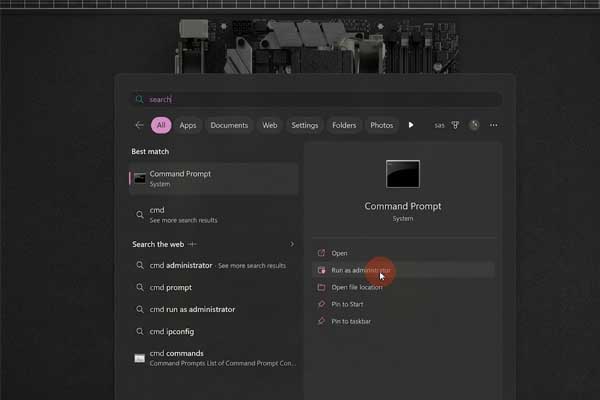
💻 Open Command Prompt as Administrator
The first step is to open the Start Menu and search for: CMD Make sure to open Command Prompt as an administrator, since the DISM repair command requires elevated permissions.
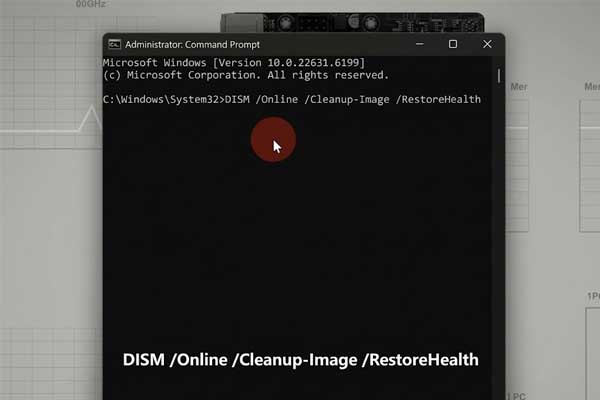
⚙️ Run the DISM Repair Command
The command shown in the video is: DISM /Online /Cleanup-Image /RestoreHealth This tells Windows to check the current operating system image and attempt to repair any corruption it finds.
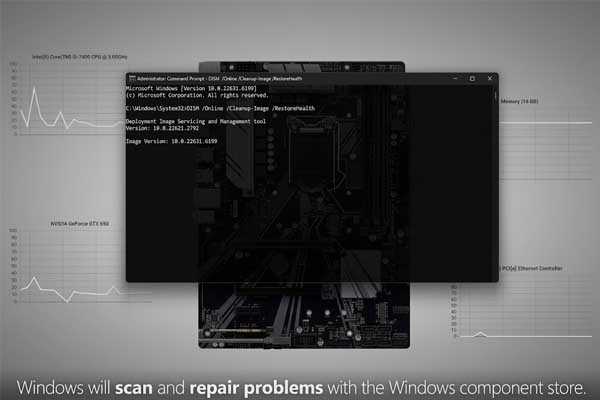
🔍 DISM Checks and Repairs the System Image
The /Online option tells DISM to work with the currently running Windows installation. /Cleanup-Image tells it to perform maintenance on the Windows image, while: /RestoreHealth instructs DISM to scan for corruption and repair problems that it can fix.
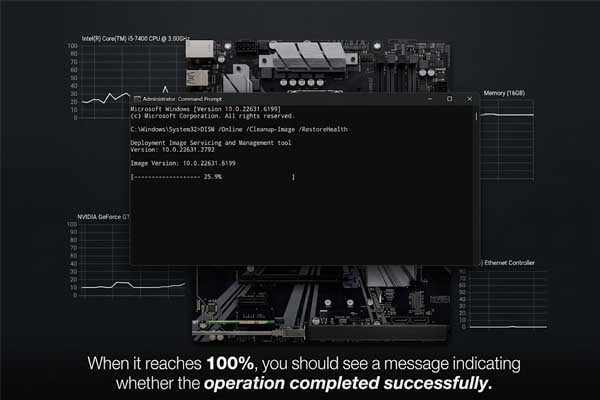
⏳ The Process Can Take Several Minutes
After running the command, Windows will begin checking and repairing the system image. The process may take several minutes, so it's important to let it finish rather than closing the Command Prompt while the repair is still running.
🔑 Key Takeaways
● Windows includes its own system-image repair tool
● DISM stands for Deployment Image Servicing and Management
● The command is:
DISM /Online /Cleanup-Image /RestoreHealth
● The command checks the Windows image for corruption and attempts to repair it
● The process can take several minutes, so let it complete before closing the window
🎓 For tips, guides, and tutorial content, please visit our official YouTube channel:
👉 https://www.youtube.com/@OPENPINOYiWatchYou
📞 Contact Information
For inquiries and further assistance, please reach us through the following channels:
📱 Mobile / Viber: 0917-822-1232 / 0917-822-3232
📧 Email: openpinoy_onlinesales@hotmail.com
🌐 Website:
👉 Website for B2B - WWW.OPENPINOY.NET
👉Website for Retail - WWW.OPENPINOY.COM
OPENPINOY©️
🤝 We are pleased to assist you with your needs.