


Change Your Desktop Icon Size Instantly
Date
2026-10-09
Views
75
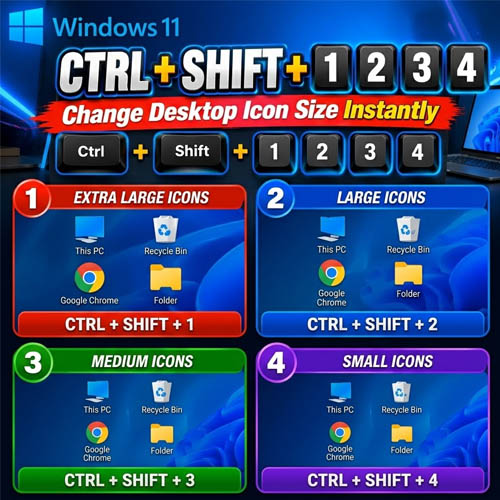
An overview of a simple Windows keyboard shortcut that lets you instantly change the size of your desktop icons giving you a faster way to switch between extra-large, large, medium, and small icons without manually opening the desktop view settings.
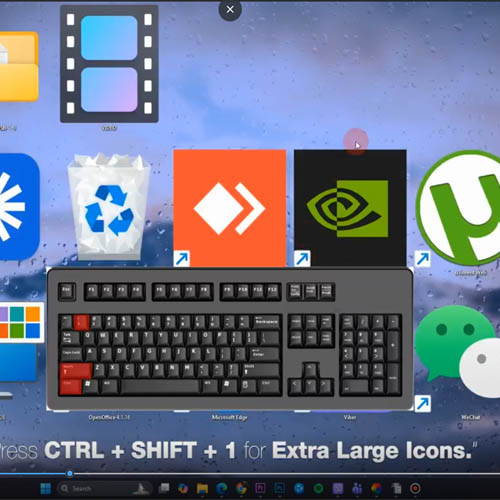
🔴 CTRL + SHIFT + 1 — Extra Large Icons
Pressing:
CTRL + SHIFT + 1
changes the desktop icons to extra large.
This makes icons easier to see, especially on larger or high-resolution displays.
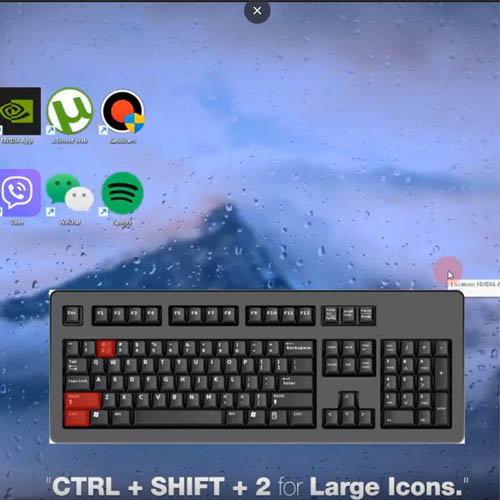
🔵 CTRL + SHIFT + 2 — Large Icons
Pressing:
CTRL + SHIFT + 2
switches the desktop to large icons, providing a good balance between visibility and available desktop space.
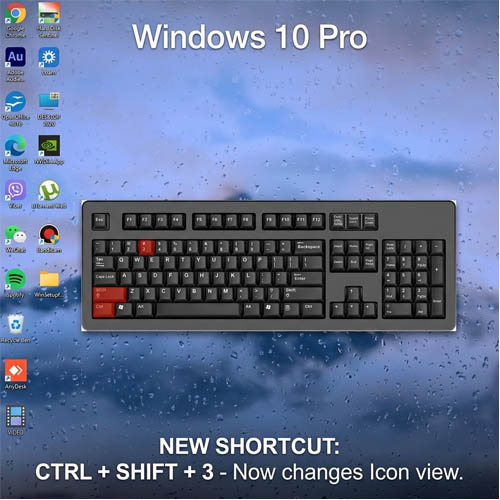
🟢 CTRL + SHIFT + 3 — Medium Icons
Pressing:
CTRL + SHIFT + 3
sets the desktop icons to medium size, giving you more room while keeping the icons easy to recognize.
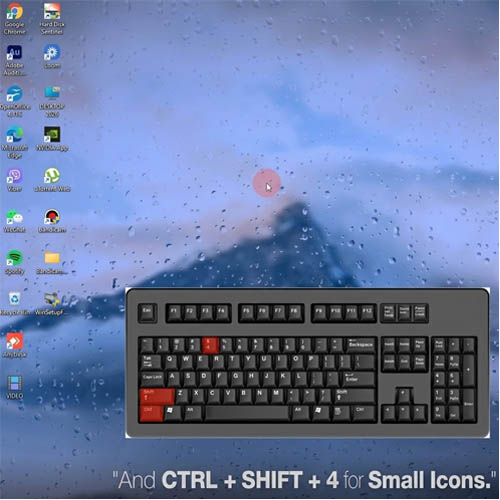
🟣 CTRL + SHIFT + 4 — Small Icons
Pressing:
CTRL + SHIFT + 4
changes the icons to small, allowing more shortcuts and files to fit on the desktop.
🔑 Key Takeaways
● CTRL + SHIFT + 1 → Extra Large Icons
● CTRL + SHIFT + 2 → Large Icons
● CTRL + SHIFT + 3 → Medium Icons
● CTRL + SHIFT + 4 → Small Icons
🎥 For the complete video presentation, please click the link below:
https://youtu.be/fh0Qzieca10?si=lqqRmrtm0FarzbLn
🎓 For tips, guides, and tutorial content, please visit our official YouTube channel:
👉 https://www.youtube.com/@OPENPINOYiWatchYou
📞 Contact Information
For inquiries and further assistance, please reach us through the following channels:
📱 Mobile / Viber: 0917-822-1232 / 0917-822-3232
📧 Email: openpinoy_onlinesales@hotmail.com
🌐 Website:
👉 Website for B2B - WWW.OPENPINOY.NET
👉Website for Retail - WWW.OPENPINOY.COM
OPENPINOY©️
🤝 We are pleased to assist you with your needs.