


Windows 11 Hidden Right-Click Trick
Date
2026-10-03
Views
110
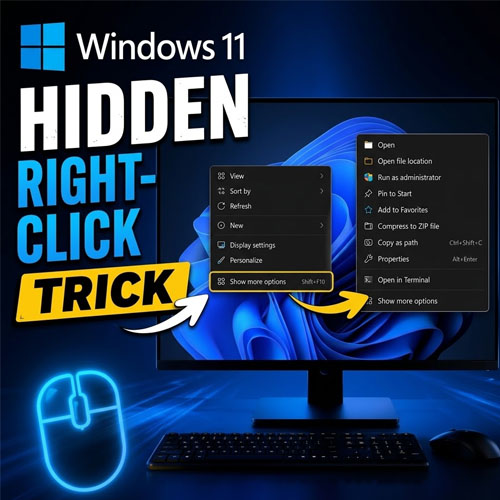
An overview of a hidden Windows 11 right-click trick that lets you access the classic context menu much faster saving you from repeatedly clicking “Show more options” whenever you need the traditional right-click commands.
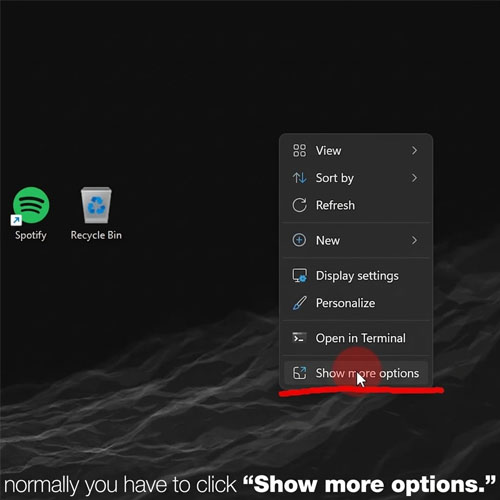
⚡ The Usual Way Takes an Extra Step
Normally, when you right-click a file, folder, or desktop item, Windows 11 shows the new context menu first. To access the older options, you have to select: “Show more options”
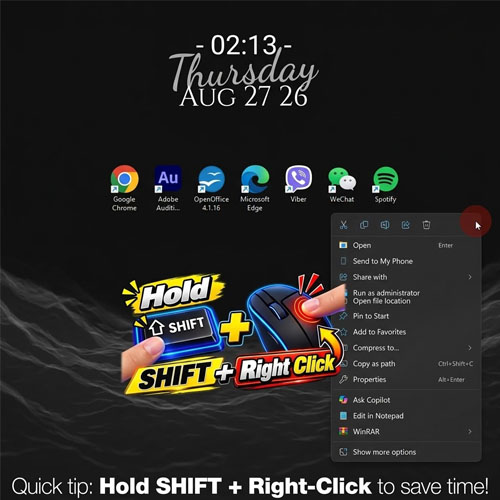
🔑 The Hidden Shortcut
Instead of clicking “Show more options” every time, you can use a simple keyboard shortcut:Shift + Right-ClickBy holding Shift while right-clicking an item, Windows 11 can open the full classic context menu immediately.
🚀 Access the Classic Menu Instantly
Once you use the shortcut, Windows skips the simplified menu and takes you directly to the traditional list of options. This can be especially useful if you frequently use commands that aren't immediately visible in the newer Windows 11 menu.
🧾 Why This Trick Is Useful
● Saves an extra click when accessing the classic context menu
● Gives you faster access to traditional Windows commands
● Useful for users who regularly work with files and folders
● Doesn't require installing additional software
● Works through a simple built-in keyboard shortcut