


Slow PC 3 Secret CMD Tricks
Date
2026-10-02
Views
100
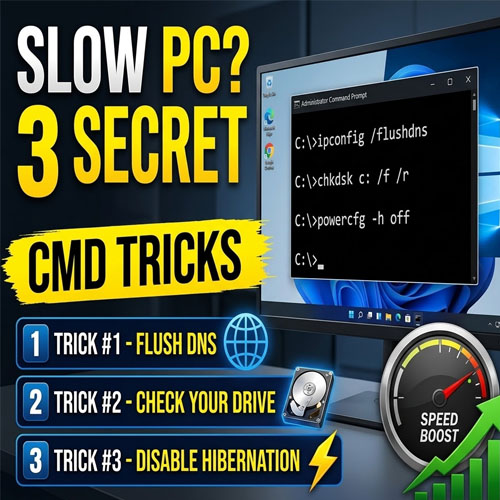
An overview of three simple Command Prompt tricks that can help troubleshoot and improve a slow Windows PC using built-in Windows commands to refresh network information, check the drive for errors, and disable hibernation to free up storage space.
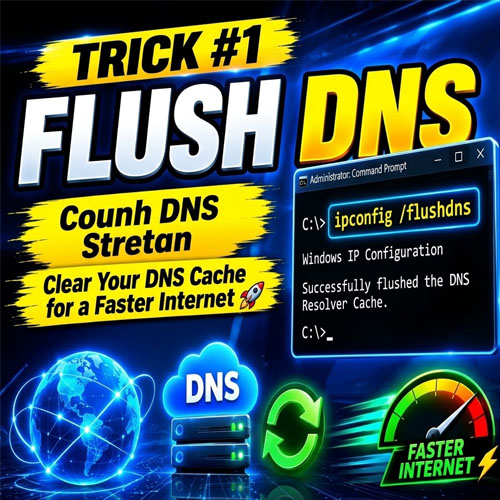
🌐 Trick #1 : Flush the DNS Cache
The first command is: " ipconfig /flushdns ". This clears the computer's stored DNS resolver cache. It can help when you are experiencing certain website or connection problems caused by outdated or incorrect DNS information. After running the command, Windows confirms that the DNS Resolver Cache has been successfully flushed.
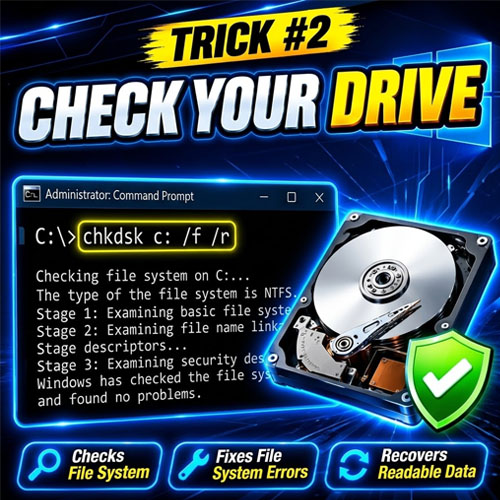
💾 Trick #2 — Check Your Drive
The second command is: " chkdsk C: /f /r " This uses Windows' Check Disk utility to examine the C: drive for file-system problems and disk-related issues. The /f parameter tells Windows to fix detected errors, while /r searches for bad sectors and attempts to recover readable information.
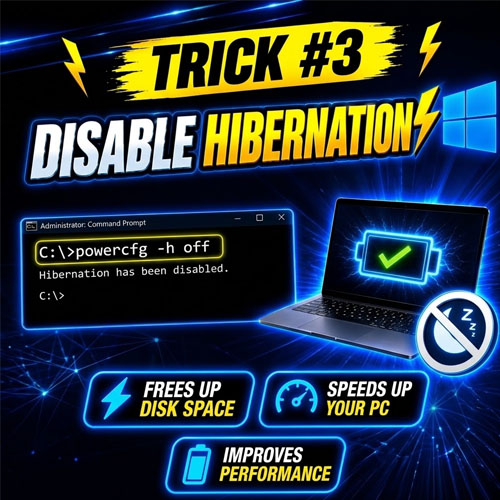
⚡ Trick #3 — Disable Hibernation
The third command is: " powercfg -h off " This disables Windows hibernation. Because hibernation uses a system file to store the contents of memory, turning it off can free up disk space. The video presents this as another way to potentially help when you're trying to optimize a system with limited storage.
🔑 Key Takeaways
● You don't always need third-party software to troubleshoot a slow PC
● ipconfig /flushdns clears the DNS resolver cache
● chkdsk C: /f /r checks the drive and attempts to fix detected problems
● powercfg -h off disables hibernation and can free up disk space
● These are simple built-in Windows commands that can be useful when diagnosing common PC issues
🎥 For the complete video presentation, please click the link below:
https://youtu.be/UEKnHnrygXs?si=MolazJoWCUjaZWQt
🎓 For tips, guides, and tutorial content, please visit our official YouTube channel:
👉 https://www.youtube.com/@OPENPINOYiWatchYou
📞 Contact Information
For inquiries and further assistance, please reach us through the following channels:
📱 Mobile / Viber: 0917-822-1232 / 0917-822-3232
📧 Email: openpinoy_onlinesales@hotmail.com
🌐 Website:
👉 Website for B2B - WWW.OPENPINOY.NET
👉Website for Retail - WWW.OPENPINOY.COM
OPENPINOY©️
🤝 We are pleased to assist you with your needs.